Barcode Tool Cabinets for Operator Access and CNC Tool Issuing
A barcode tool cabinet for CNC issuing connects operator identification with tool permissions and transaction records. The design should distinguish the employee barcode from any barcode used to identify the material.
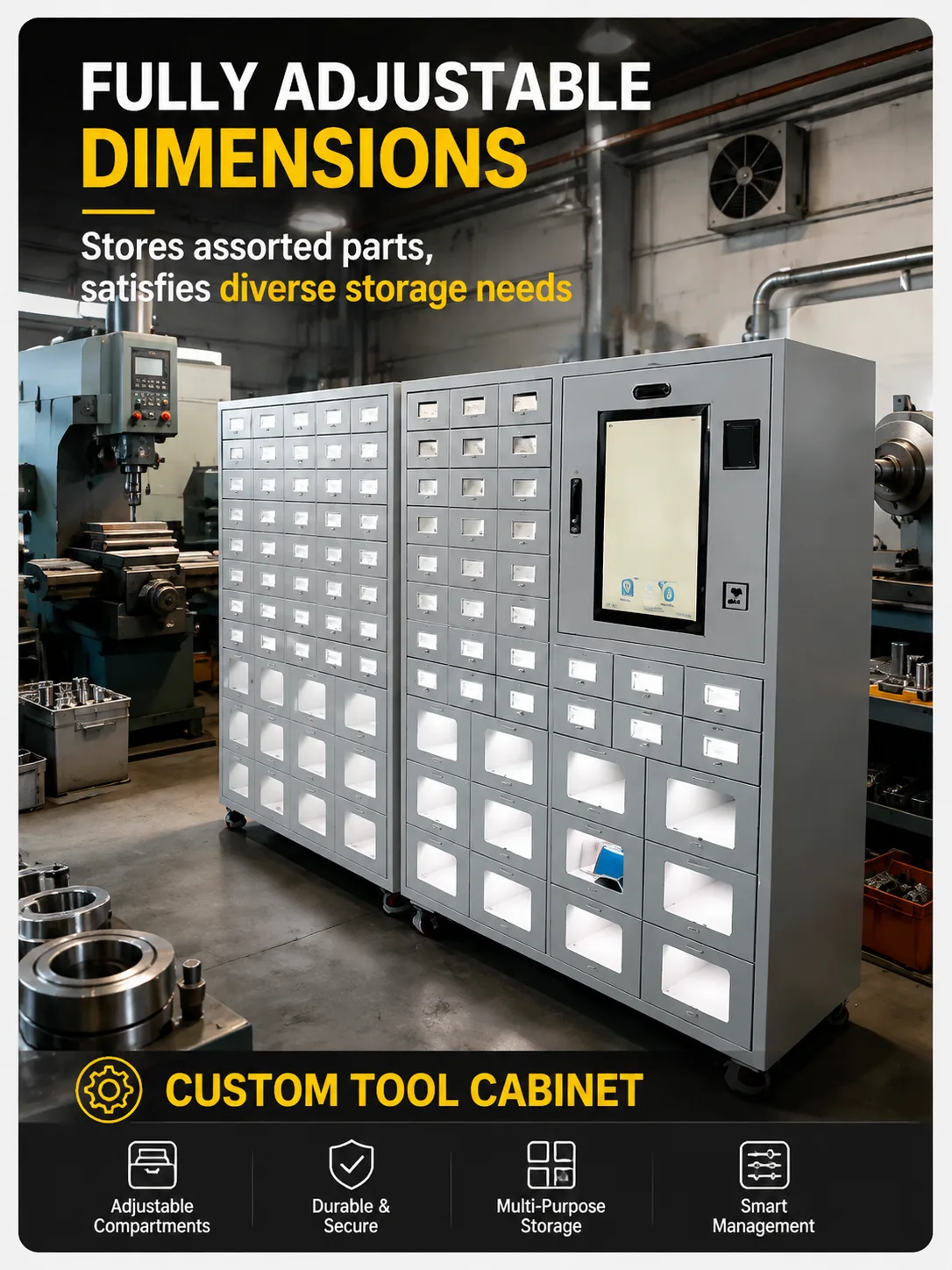
Distinguish operator and item barcodes
An operator barcode identifies the person requesting access. An item barcode identifies a material or asset. A workshop may use one, both or another method for item selection, but the functions should be specified separately.
Test real badges with the proposed scanner. Check the encoded value, print quality, damaged labels and any leading zeros. Confirm how the employee record is matched and how duplicate or unknown identifiers are handled.
Define permission rules
Decide which tool groups each user can collect and who maintains those rules. Include starters, temporary assignments and departed employees. Keep the rules understandable enough for supervisors to explain and administer.
The CNC tool vending application can be evaluated against these requirements. If unusual access rules or integrations are needed, review custom cabinet and software options and identify which functions require separate configuration or development.
Verify the issue sequence
Test login, permitted-item display, selection, physical release and transaction recording as one sequence. The record should include employee, item, unit, quantity, time and cabinet location. A job or machine field should be required only when it supports a defined process.
Barcode scanning does not independently prove how many tools were removed. Confirm how the selected mechanism verifies release or records quantity, particularly when several pieces are accessible in one compartment.
Include failure and return cases
Try an unreadable badge, an unauthorized item, an interrupted session and a failed dispense. Define what the employee sees and who can correct the record. If the cabinet supports offline work, test the permitted actions and later synchronization explicitly.
For reusable tools, add checkout, return and condition states. RFID item identification is an optional alternative or addition where suitable; it should not be described as an automatic part of every barcode-based installation.
Put the records to work
Use the tool issue tracking guide to investigate missing items or repeated withdrawals. Use the CNC inventory guide for replenishment and stock reconciliation. Keeping these processes separate avoids expecting a barcode reader to solve every inventory problem.
Send WSToolCabinet sample barcode specifications, tool packages and permission examples. A demonstration with actual credentials and materials provides a clearer acceptance basis than a list of supported identification methods.