Smart Tool Cabinet vs Traditional Storage for CNC Workshops
A smart tool cabinet vs traditional storage comparison should start with the workshop's control problem. Both can organize tools physically. The practical difference is how access, movements and follow-up work are handled, and whether the added technology improves a process the shop can maintain.
When traditional storage may be enough
A small toolroom with stable users, clear ownership and reliable manual records may not need automated issuing. Dedicated locations, readable labels and disciplined replenishment can solve many basic problems at relatively low complexity.
Check whether the real issue is poor item data or inconsistent procedures before buying hardware. A connected cabinet does not correct duplicate part numbers or undefined pack quantities on its own.
What connected storage can add
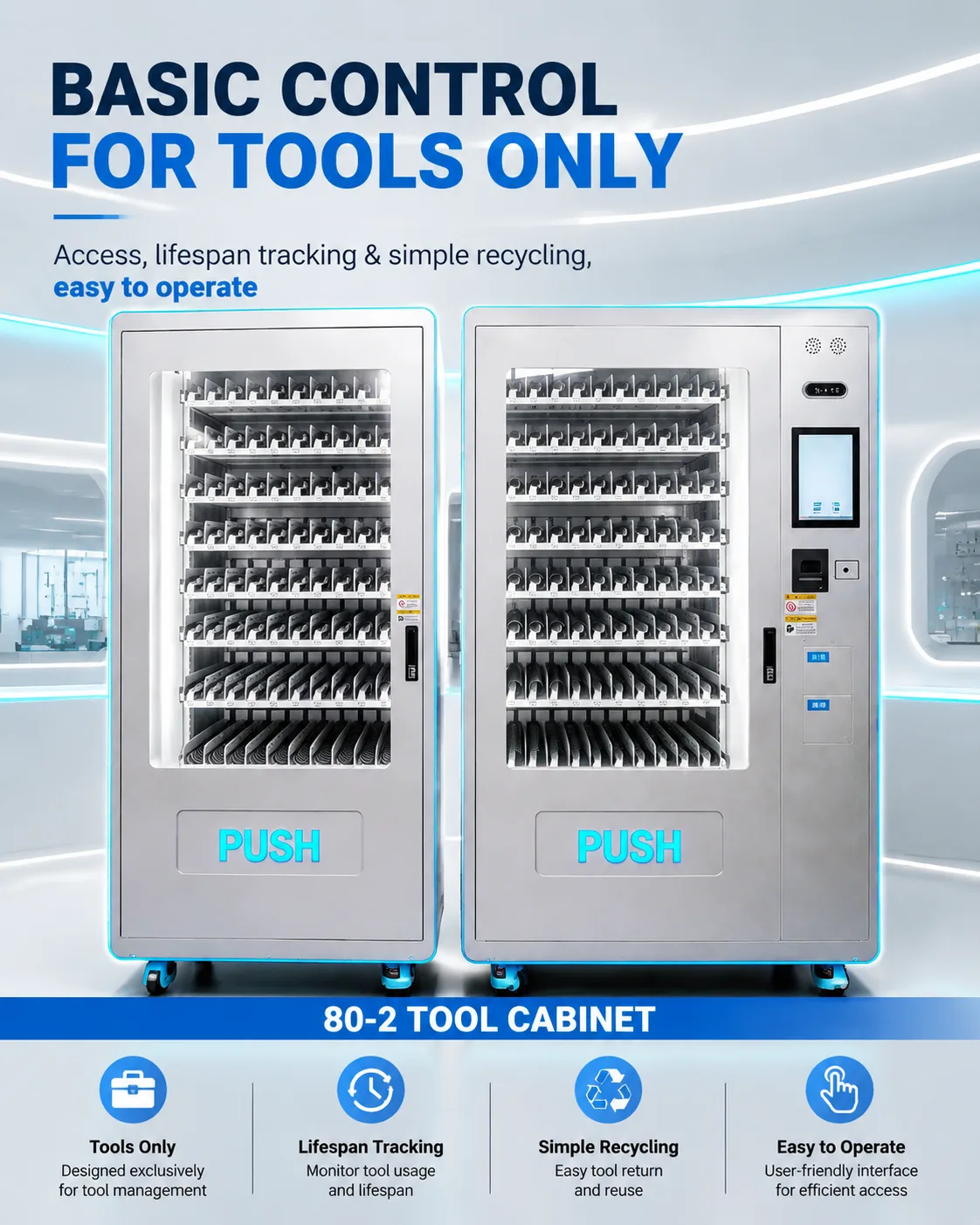
Depending on the configuration, smart storage can identify users, apply permissions, record issues and support stock alerts. A CNC tool vending system may suit frequent consumable issues, while a drawer cabinet can provide defined positions for reusable tools and gauges.
Confirm how each movement is detected. A door-opening event is different from verified item removal, and an issue record is different from measured tool consumption. Optional RFID can support item identification where tags and the storage environment are suitable.
Compare the daily workload
Manual storage requires people to maintain sign-out records, count stock and resolve missing entries. Connected storage adds administration of users, material data, refills, software and equipment maintenance. Evaluate both workloads rather than comparing purchase prices alone.
Ask who handles a failed issue, a missing return or an outage. The shop still needs a fallback process and a way to reconcile exceptions. Review support arrangements and expected software costs with the proposed configuration.
Use evidence to decide
Measure retrieval time, stock discrepancies, unrecorded issues and urgent replenishments over a representative period. Identify which problems a proposed function would address. If the main problem is access after stores close, compare the multishift selection guide with the shop's shift pattern.
Do not assume savings from a generic percentage. Include equipment, setup, training, support and ongoing operating effort in the comparison, using the site's own baseline.
Separate selection from rollout
Once the decision is made, the tool crib migration guide sets out a phased implementation process. A small pilot with real tools and users can test whether the expected benefit appears in daily work.
Discuss your current process with WSToolCabinet, including the issues you want to resolve and the records you already maintain. That information helps determine whether a connected cabinet is appropriate and which functions matter.