Swipe card PPE vending machines connect an employee credential with authorized collection. A PPE cabinet with access control also needs a clear process for replacement supplies and unreadable or lost cards.
Check what the card actually supports
“Swipe card” is often used loosely for both swiped and contactless employee badges. Confirm the actual credential technology, format and reader compatibility. Test real cards, including temporary and replacement credentials, before ordering hardware.
An RFID employee badge identifies a person. It does not mean each glove pack or other item carries an RFID tag. Item-level RFID is a separate option that should be evaluated only when the material and tracking requirement justify it.
Maintain the user lifecycle
Agree who creates users, assigns departments, changes permissions and disables lost cards or expired accounts. Decide whether updates are entered locally or synchronized from another system. A successful reader demonstration does not prove that the ongoing administration process is complete.
Review the PPE vending application against the site's intended access methods. Confirm which methods are included in the quotation and which require extra equipment or configuration.
Keep collection simple
After identification, the employee should see recognizable approved items and a clear issue quantity. Record the user, item, quantity, time and location. Add a department or project field only when it is needed for the operating process.
Set permissions with the site's responsible team. Limits should include a practical route for replacements and unusual demand. Do not let a routine quantity rule become the only path to obtaining necessary protective equipment.
Test exceptions as normal scenarios
Include an unreadable card, a lost badge, a transferred employee, a failed vend and a network interruption. Specify who can authorize an exception and how the resulting movement is recorded. Shared credentials may undermine accountability, so agree an alternative that preserves a usable record.
If user synchronization is required, the ERP integration guide explains data ownership and recovery questions. Confirm supported interfaces rather than assuming the reader connects automatically to the employee system.
Use records for replenishment
Review issue patterns by item and location to support supply planning. A pickup shows collection, not correct use or complete safety compliance. The PPE inventory planning guide covers stock thresholds and refill ownership beyond the login workflow.
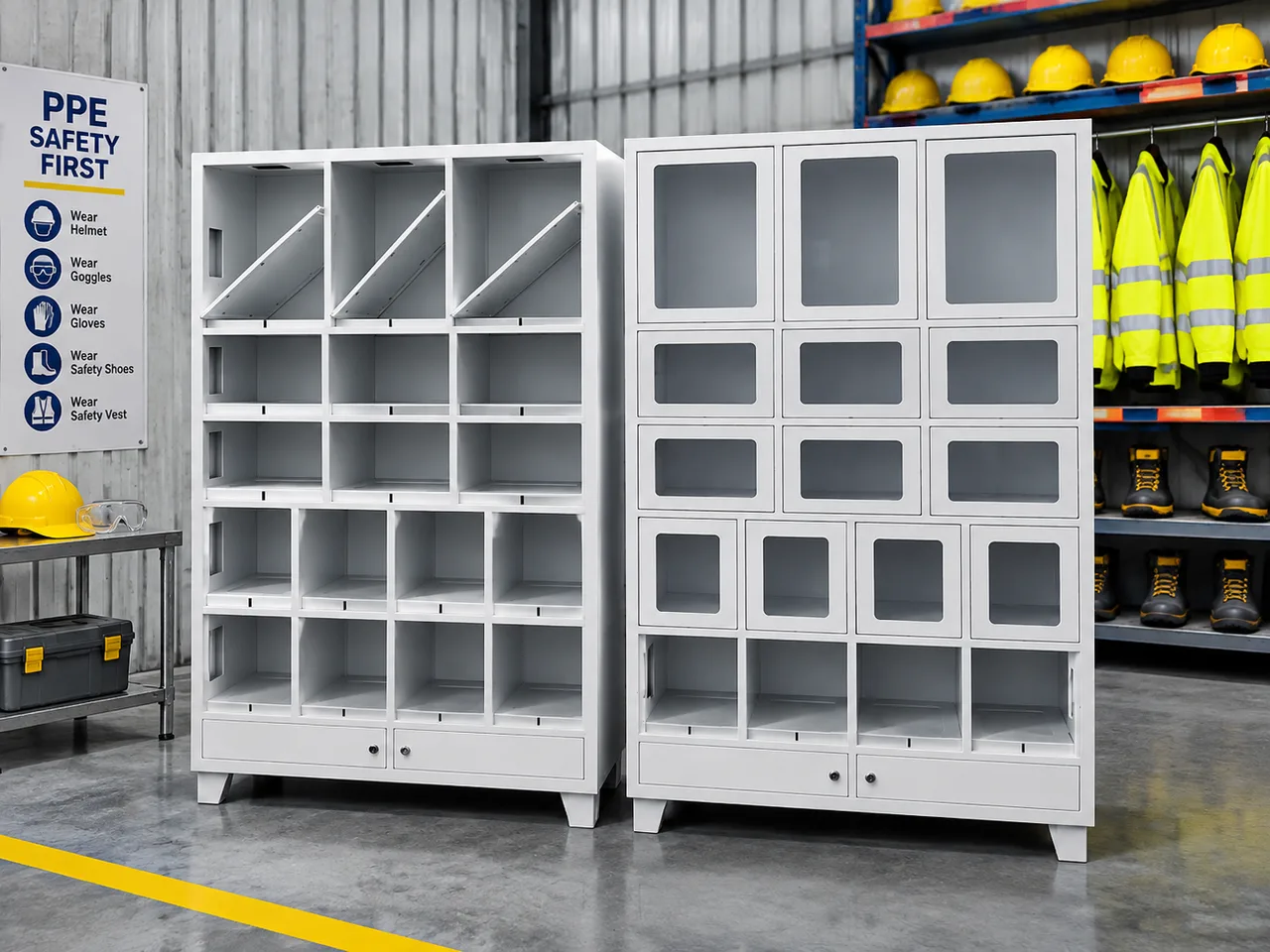
Compare suitable layouts in the modular cabinet range, then send WSToolCabinet your credential and permission requirements. Include sample card specifications, user groups and exception cases so the proposed setup can be tested end to end.